How to Make Prompt-Generated Images Look More Natural
Clean the details that make strong generated images feel a little too synthetic.
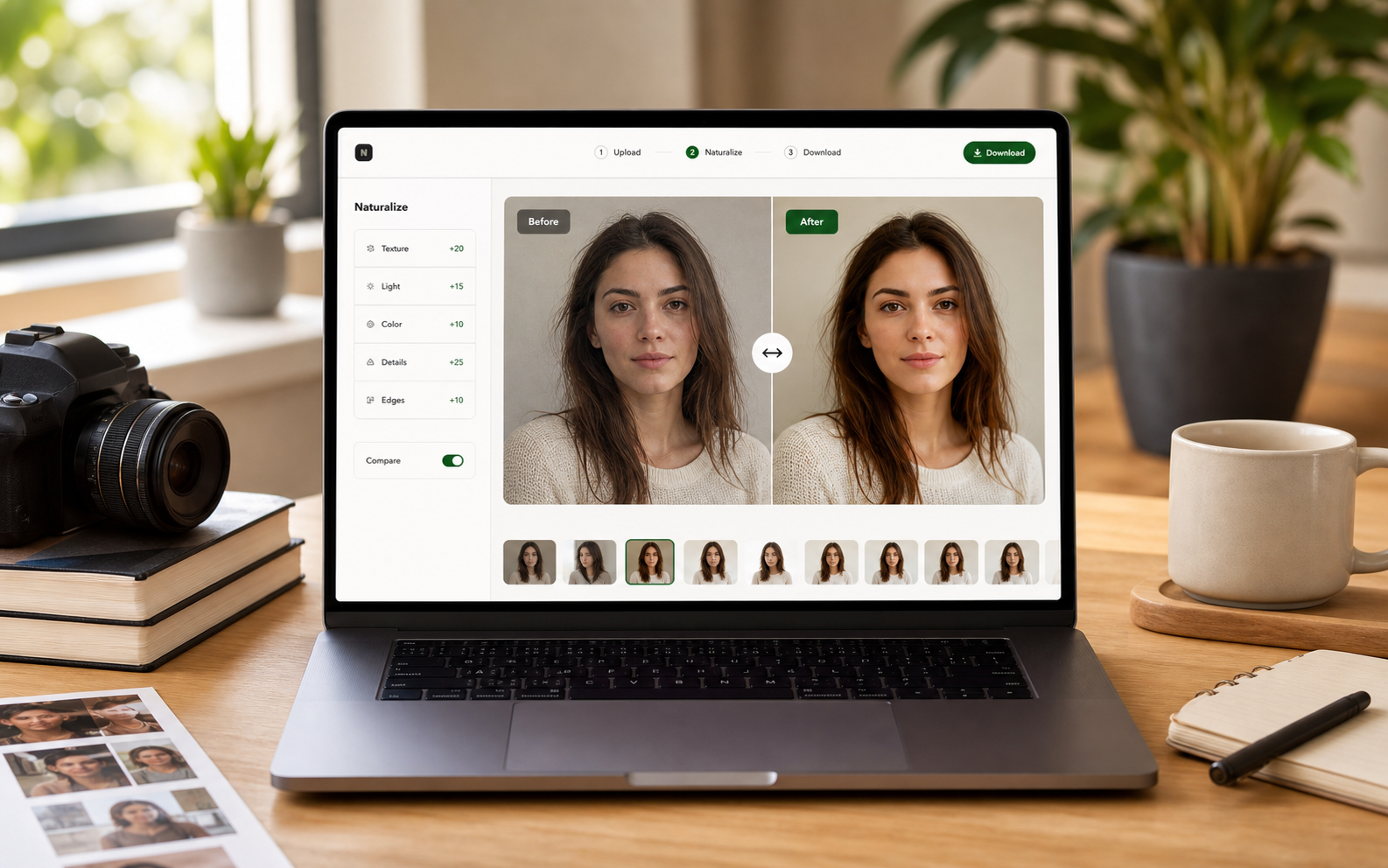
This page captures users who have a strong prompt-generated image but need it to feel less artificial before sharing, selling, or using it in a content workflow.
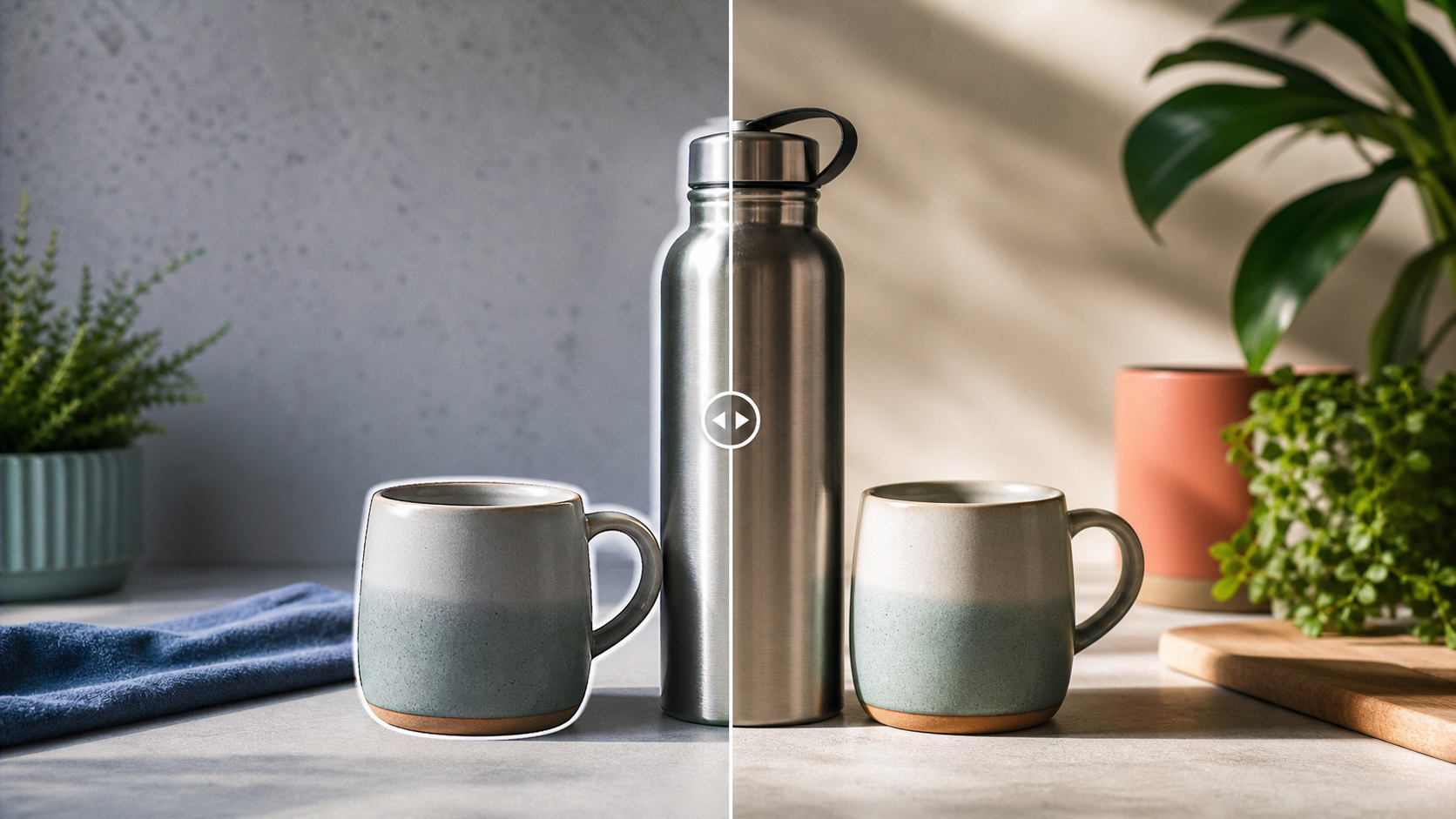
A prompt-generated product scene with too-perfect surfaces
The image had the right product angle and color palette, but the surface was overly smooth and the background felt assembled. Naturalization improved the material detail and lighting without changing the product story.
The prompt may be good while the finish is weak
Do not throw away a useful image because the finish feels synthetic. If the composition and subject work, a post-generation pass can often make it usable.
Naturalization is a final production step
Treat it like color grading or retouching. It happens after selection and before publishing, when the goal is consistency and trust instead of more prompt exploration.
Small crops reveal big problems
A prompt-generated image may pass full-screen review but fail when cropped into a story, marketplace card, or blog thumbnail. Check the final surface, not only the source file.
Pre-publishing checklist
- Confirm the image matches the prompt goal.
- Find the most synthetic visible area.
- Check background texture and edge quality.
- Avoid changing the subject identity.
- Inspect final crop and thumbnail scale.
Recommended workflow
- Upload the selected prompt-generated image.
- Run Clean for naturalization without a heavy style shift.
- Use Realistic if the image needs a stronger photo-like finish.